
GTA 6 Guides
Set up the game
Set up GTA 6 for offline play
Check installation, license settings and local Story Mode on PS5 or Xbox.
Stream GTA 6 on Xbox
Check game ownership and cloud playtime, then start your first stream.
Play GTA 6 on PlayStation Portal
Set up your PS5 for Remote Play and check cloud availability.
Redeem a GTA 6 code
Use your PS5 or Xbox download code and resolve account or region errors.
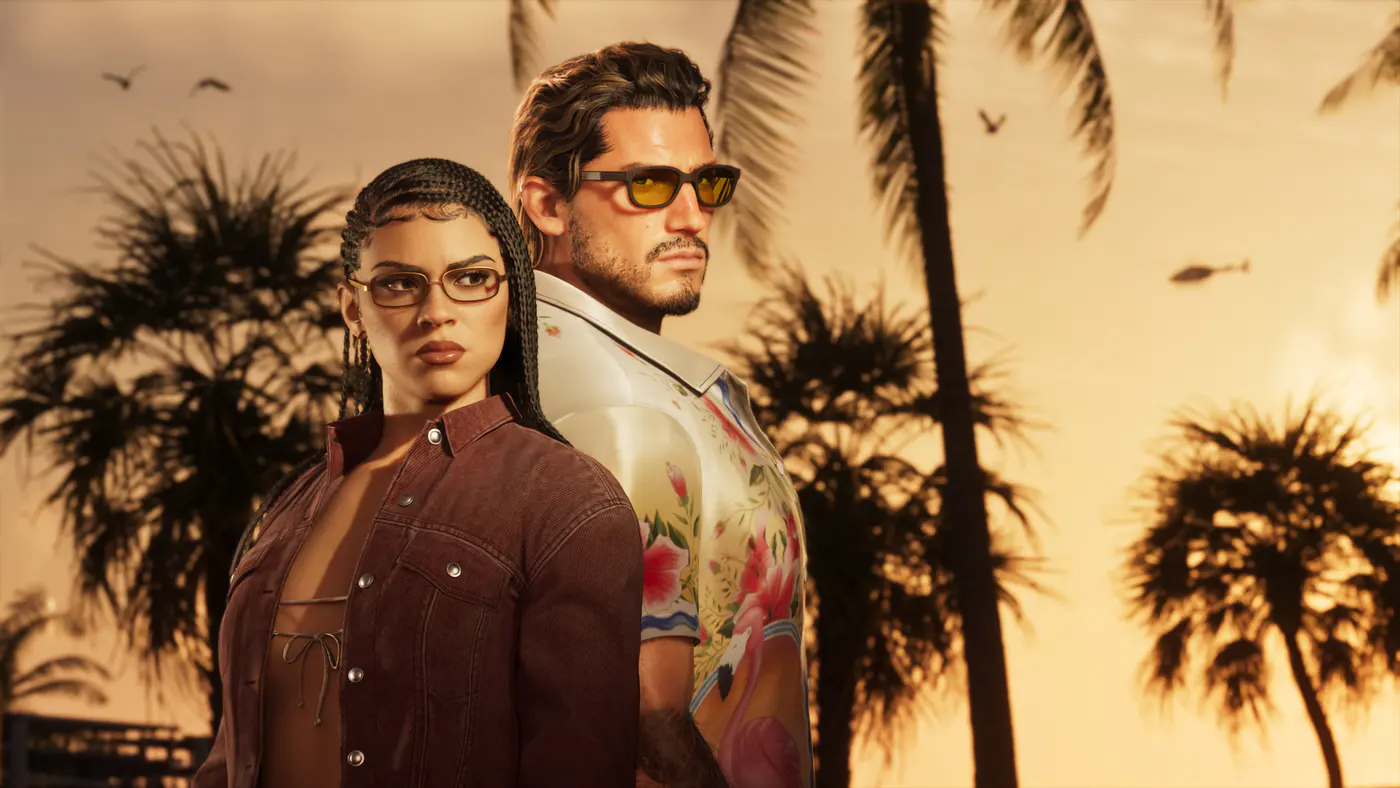
Upgrade Standard to Ultimate
Find the right add-on and see when the extra items unlock.
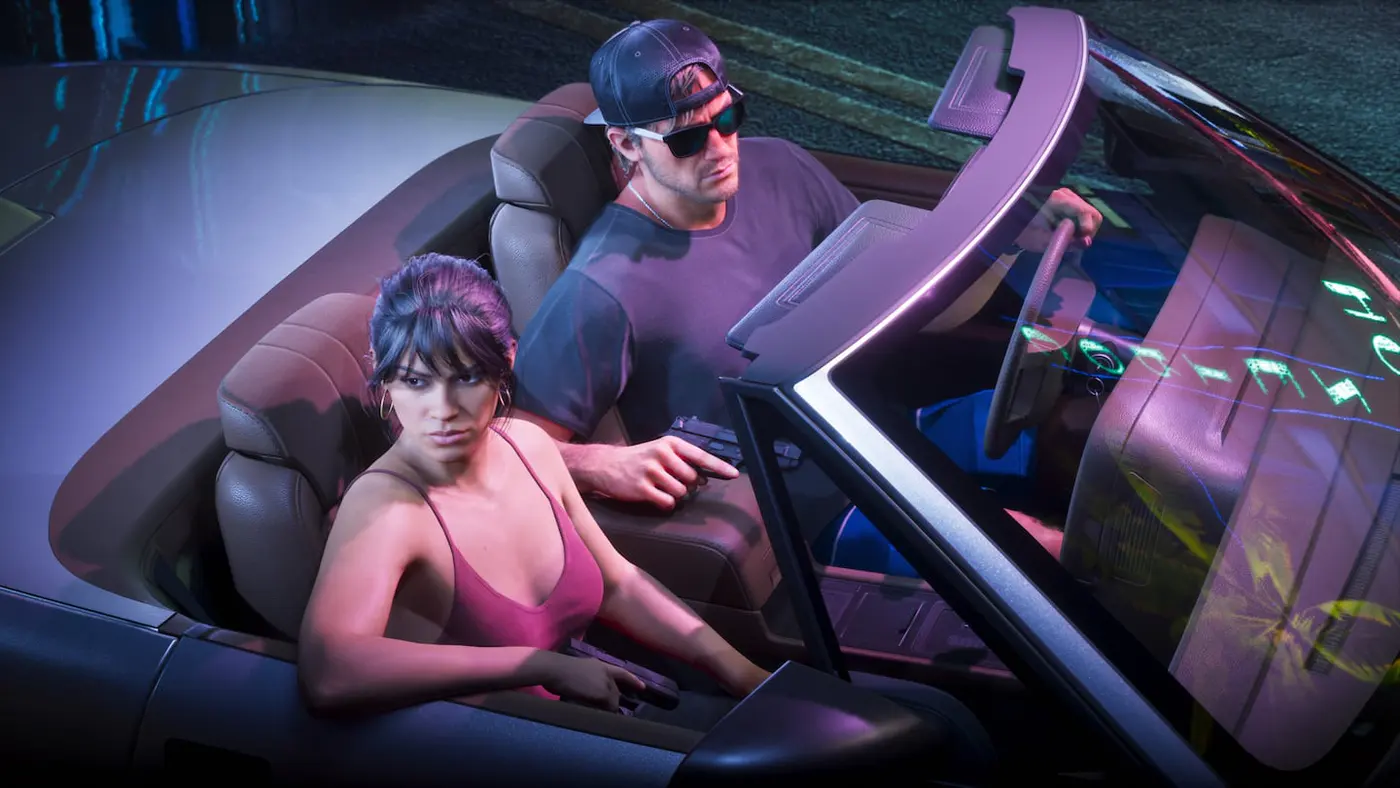
Check co-op and crossplay
Check which player modes are available on PS5 and Xbox.
Fix connection and launch issues
Check official service pages and troubleshoot downloads, updates or startup errors.
Choose your settings
Adjust picture and input settings on your TV, console and in the game.
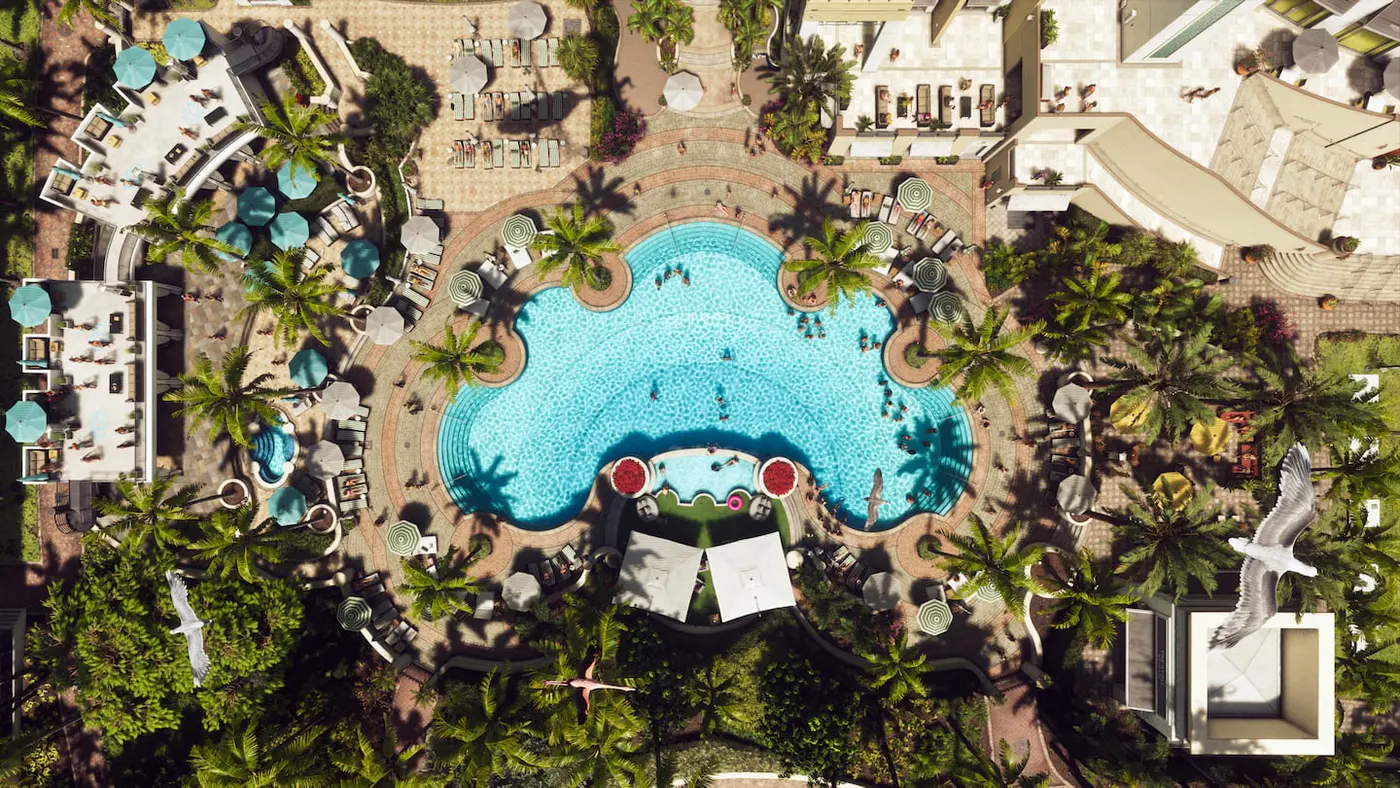
Check frame rate and PS6 support
See the confirmed console frame rate and what is known about a future PS6 version.
Play missions and save
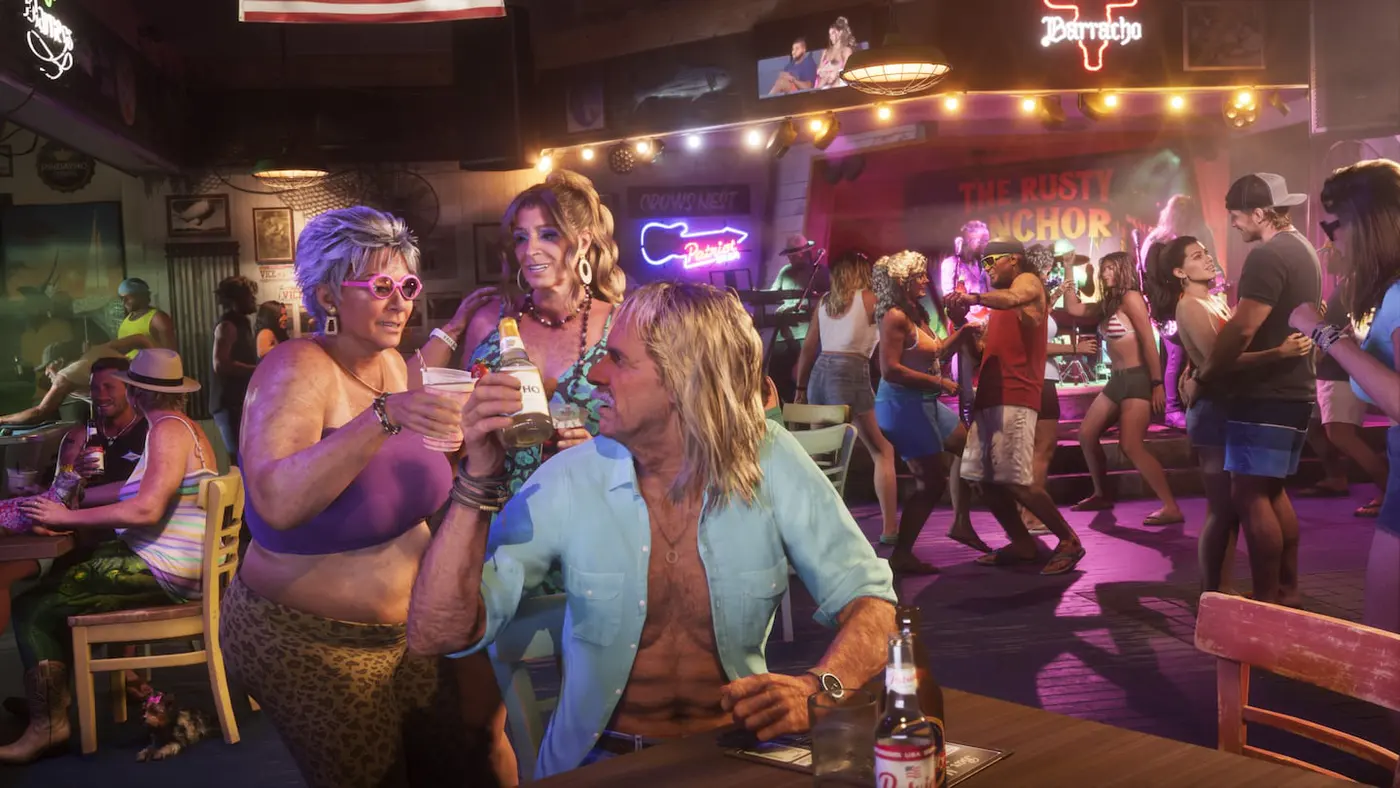
Track choices that can affect the finale
See which factors were observed and where to keep manual saves.

Change hair or facial hair
Find standard barbers, safehouse grooming and bonus styles.
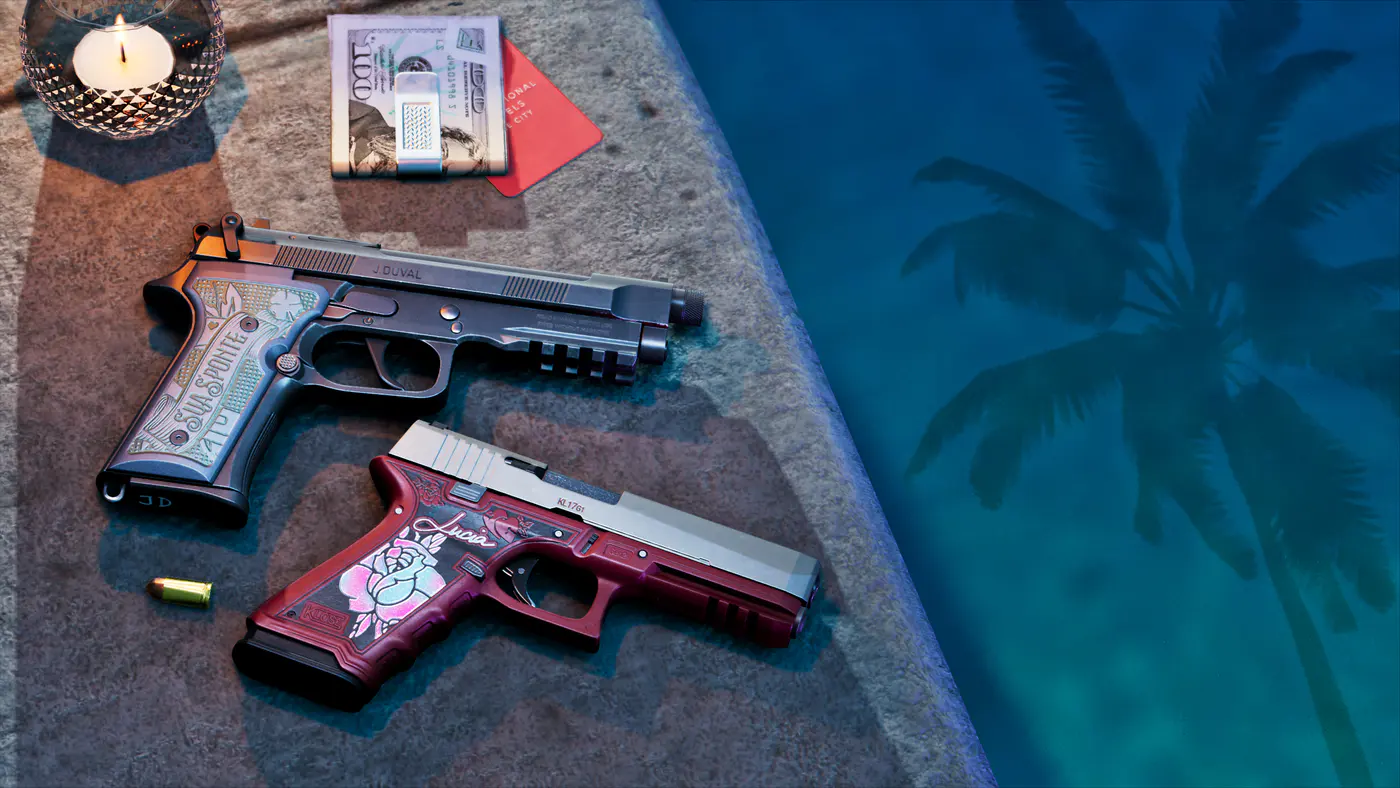
Open the weapon and equipment wheel
Use the PS5 and Xbox loadout controls and equip binoculars in the opening mission.
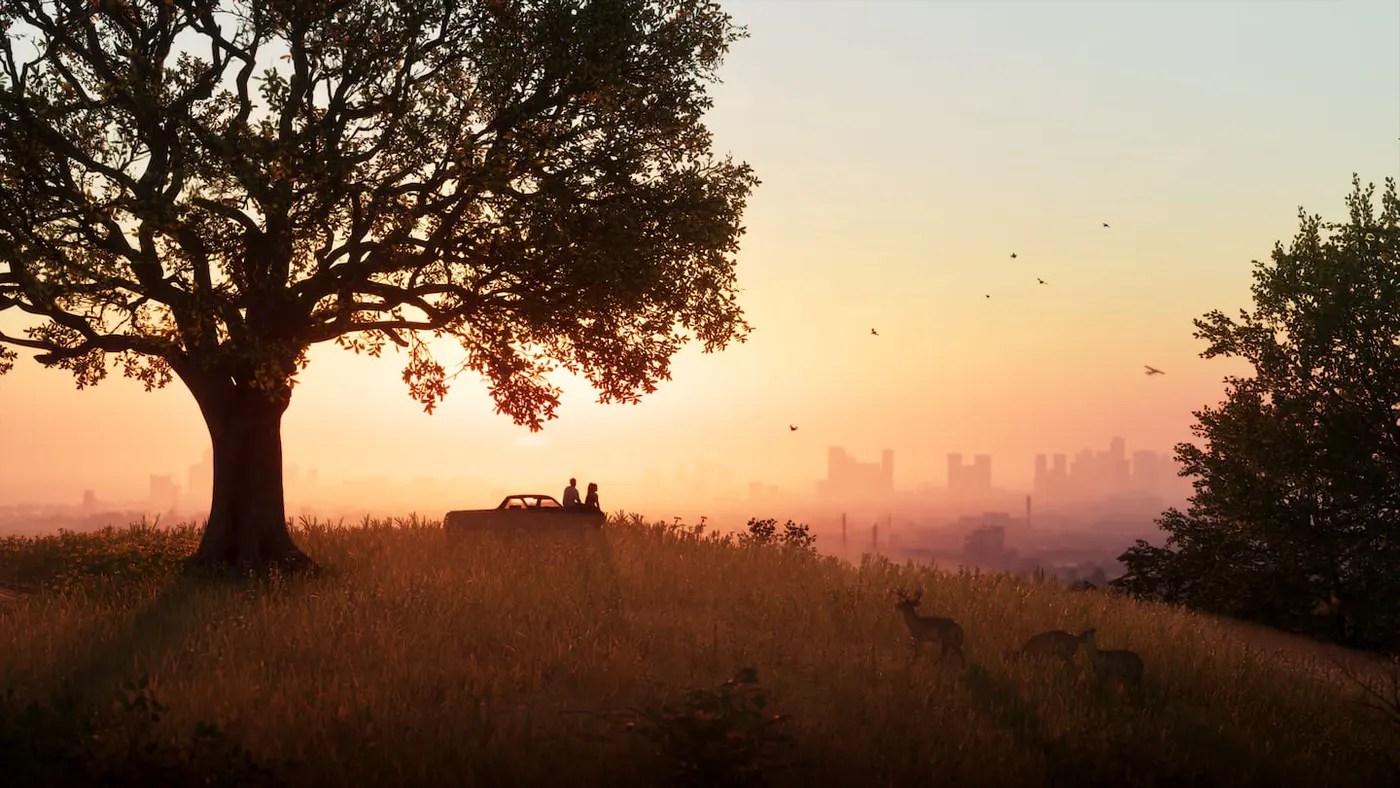
Raise Jason and Lucia’s relationship level
Find the meter and check which early missions and activities earn hearts.
Use the first-person camera
Inspect your surroundings or use the phone view while driving.
Repair the railing at Jason’s house
Find the interaction behind the house and finish the Chapter 1 repairs.
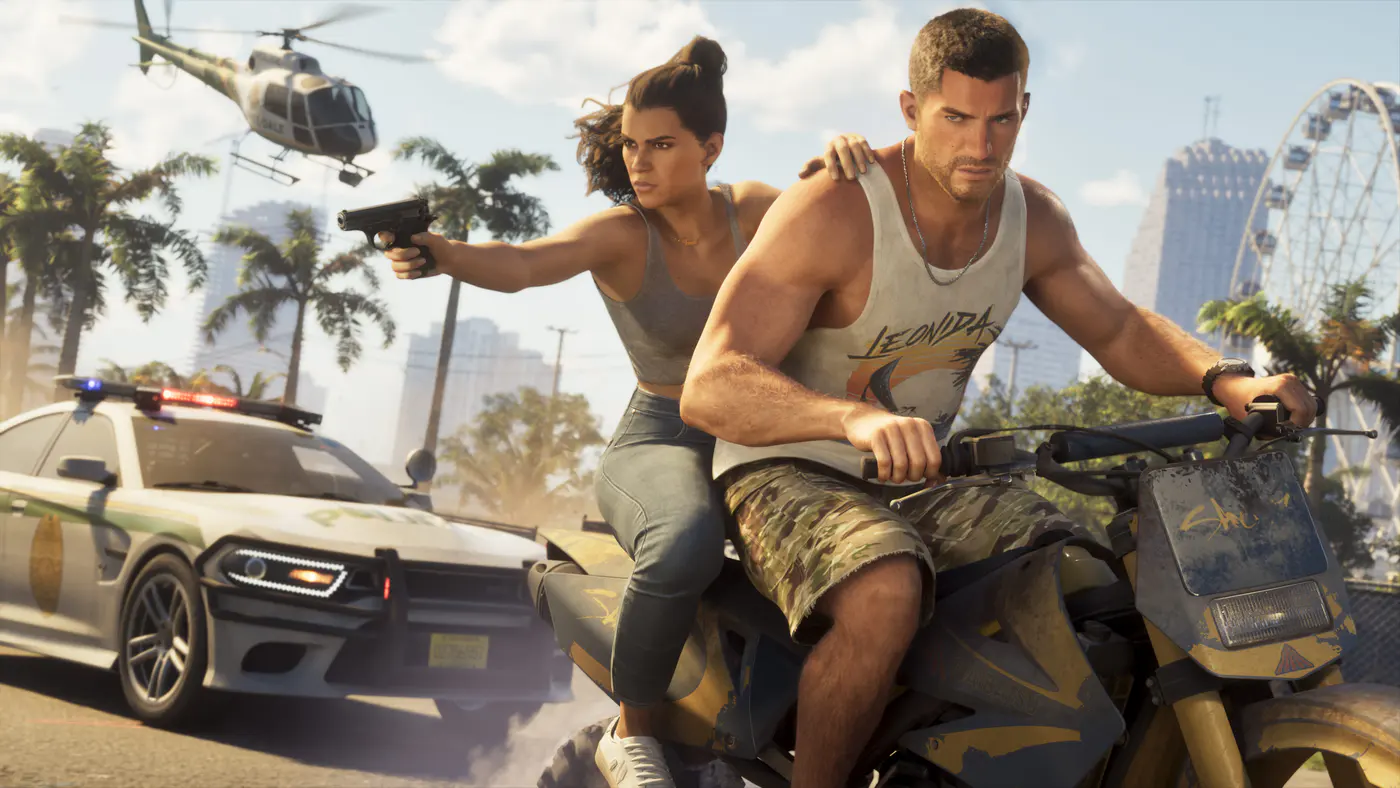
Save and load your progress
Use the pause menu, manage manual save slots and understand when autosave kicks in.
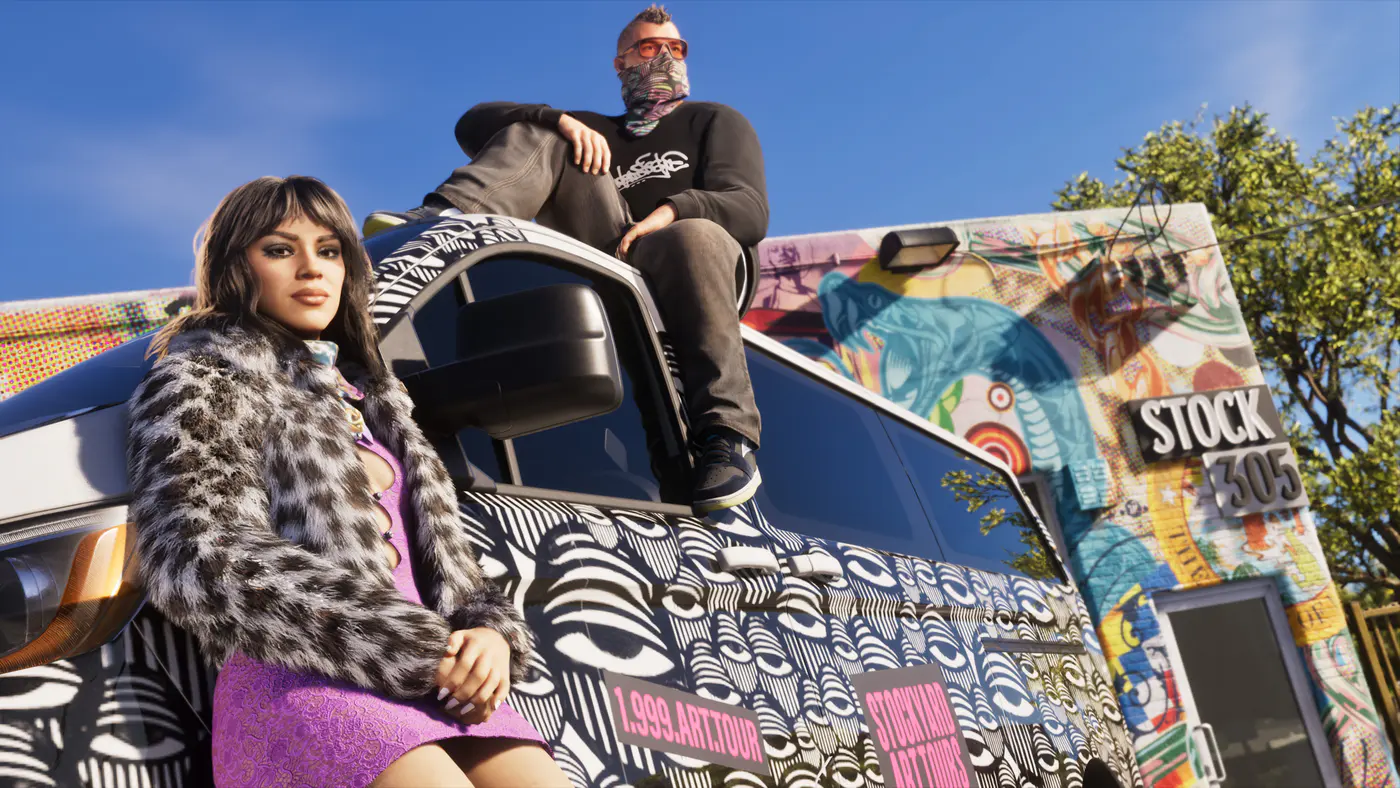
How to Change Clothes and Save Outfits in GTA 6
Change clothes in GTA 6 at a safehouse or shop. Learn how to save an outfit to your personal car and what to check when it is missing from the trunk.
GTA 6 No Missions Showing Up? What to Check
Waiting for a call in GTA 6? Check the Story tab, the required character and launch walkthroughs for missing mission markers in Chapters 1 to 3.
Earn and bank money
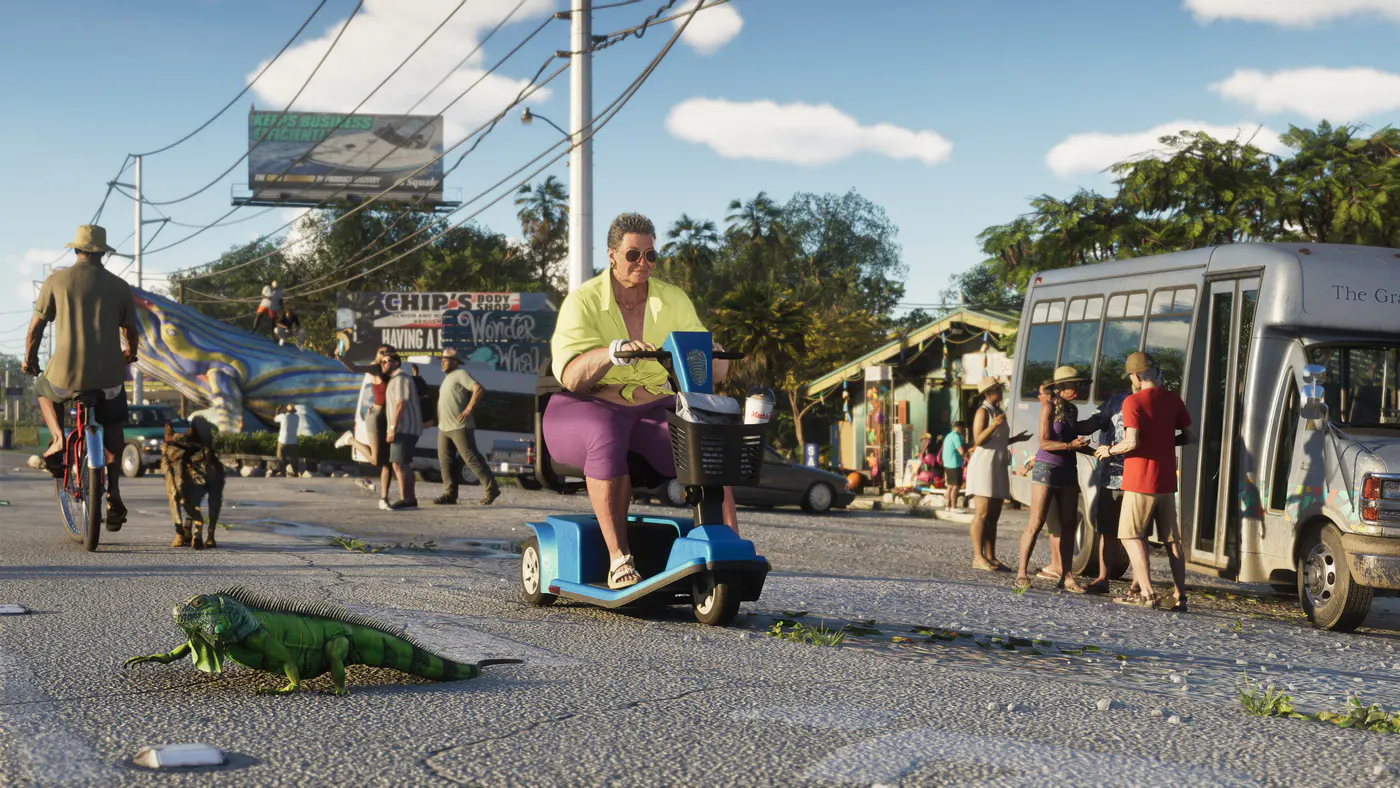
Make money early in Story Mode
Find cash in Key Lento and unlock salvage, car sales and BuckMe.
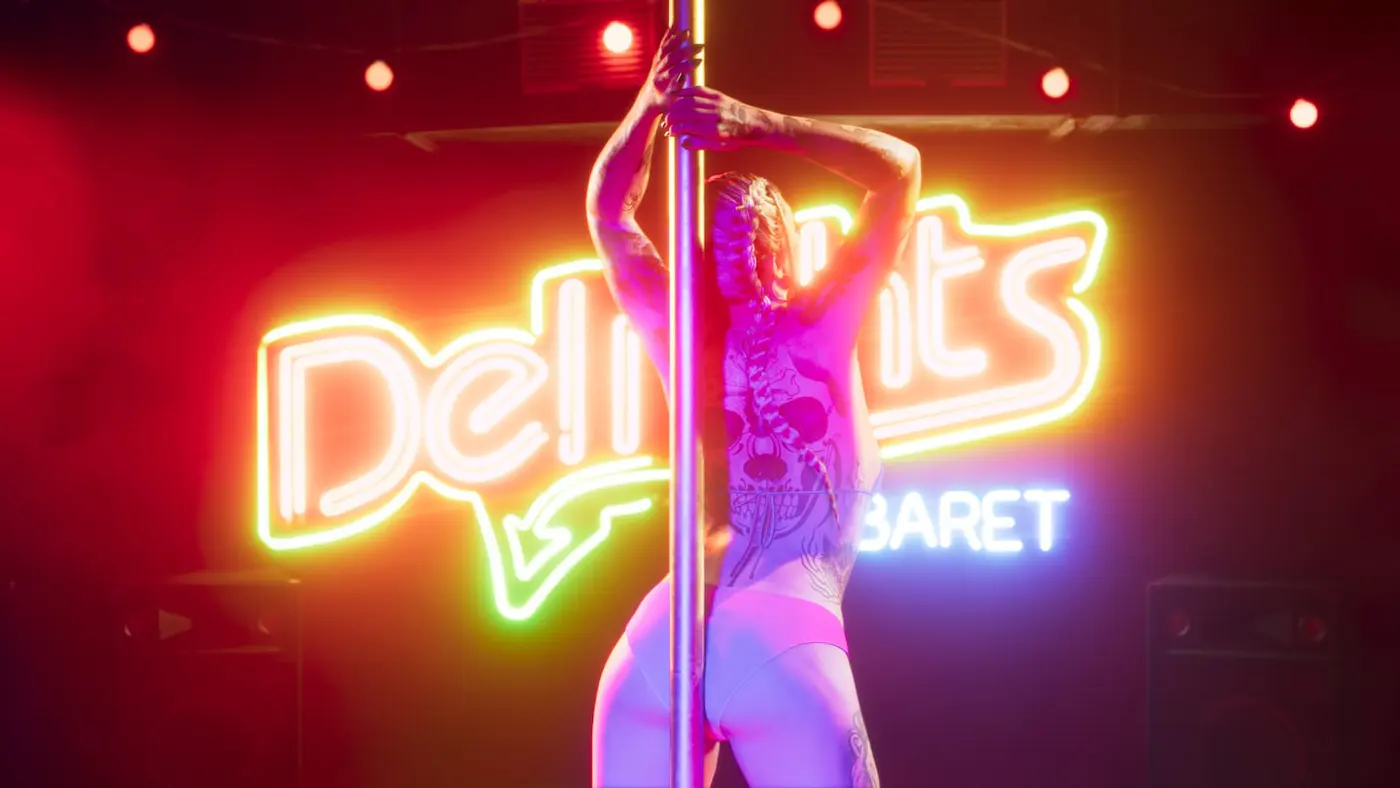
GTA 6 Safe Codes by Location and Mission
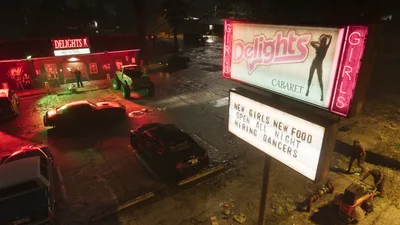
Look up the GTA 6 safe codes for Kingpin Bowling, Brooks Boatworks, La Cascara Motel and Delights, with the in-game clue for each combination.
How to Unlock Bank Robberies and Vaults in GTA 6
Unlock small GTA 6 bank robberies after Credit Check and big vault jobs after Wait at the Cafe. Find the right map filter and track completion.
GTA 6 BuckMe Guide to ATMs and Family Savings
Unlock BuckMe at Fleeca in Chapter 1. Find ATMs, deposit or withdraw cash from Checking and see why Family Savings transfers are permanent.
Track 100% and collect cards
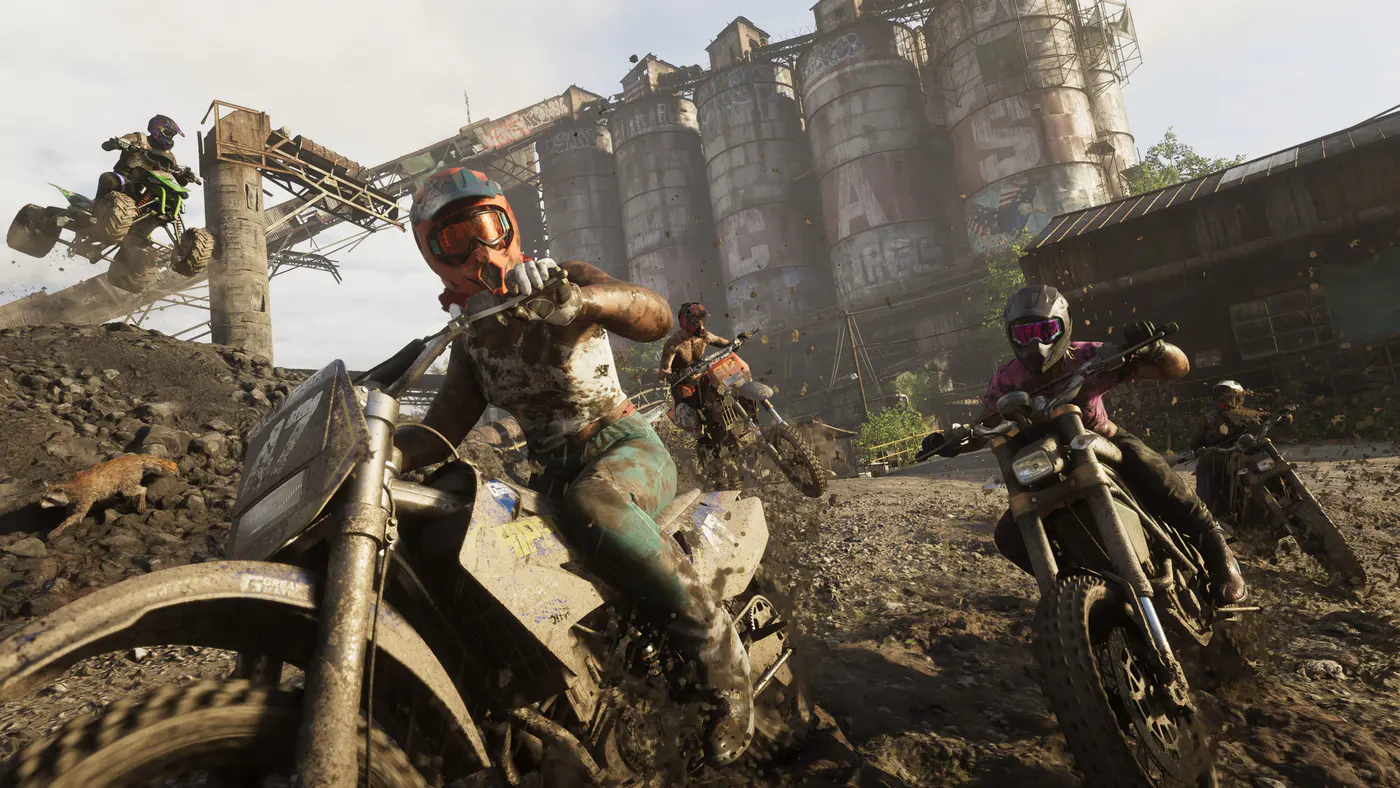
See how long GTA 6 takes to beat
Compare the main story, optional content and the 100% checklist.
Follow the 100% completion checklist
Track 35 requirements and know which milestones to check after the credits.
Find early collectible cards
Pick up cards in the Keys and Port Gellhorn, then track all 18 sets.
Register and recover vehicles
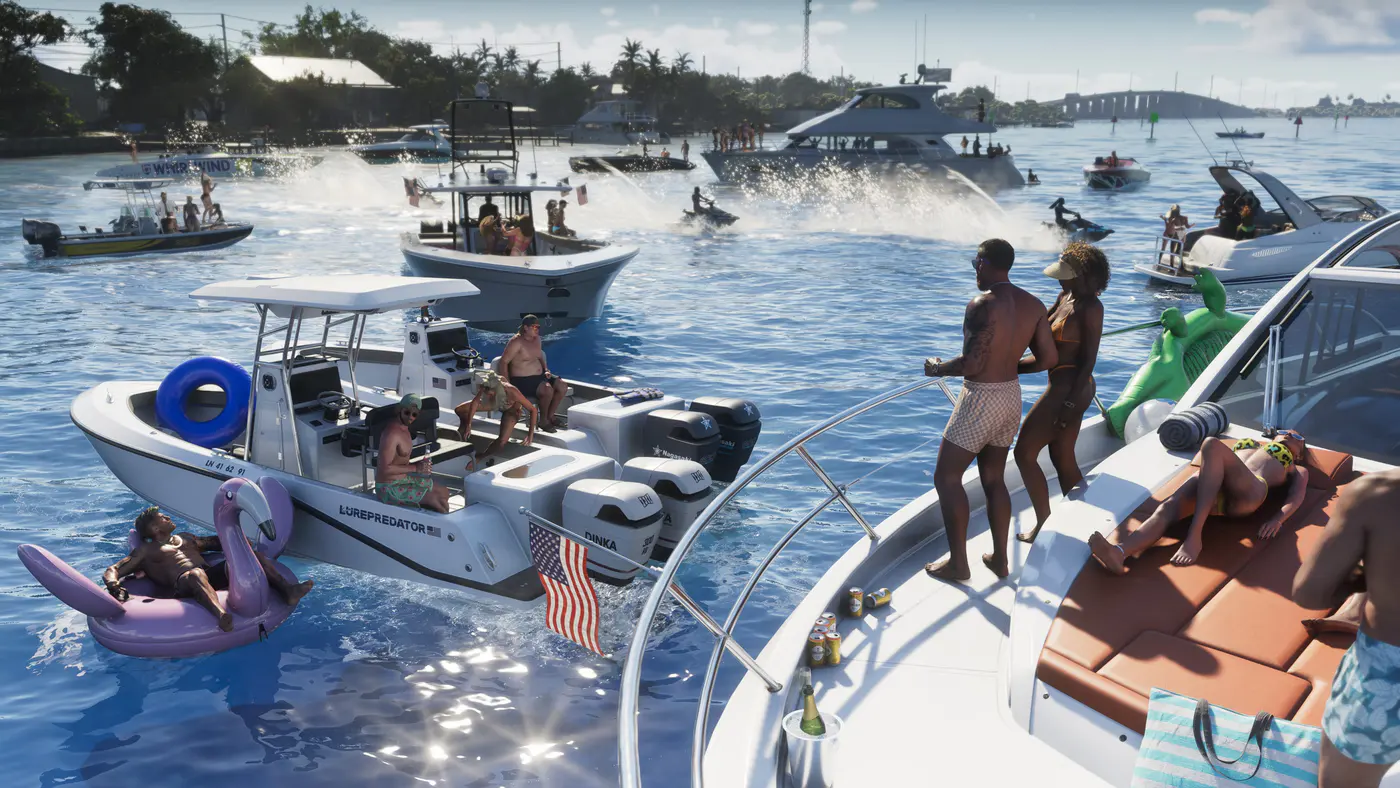
Fly and land an aircraft
Learn the controls on both consoles and find an airstrip for practice.
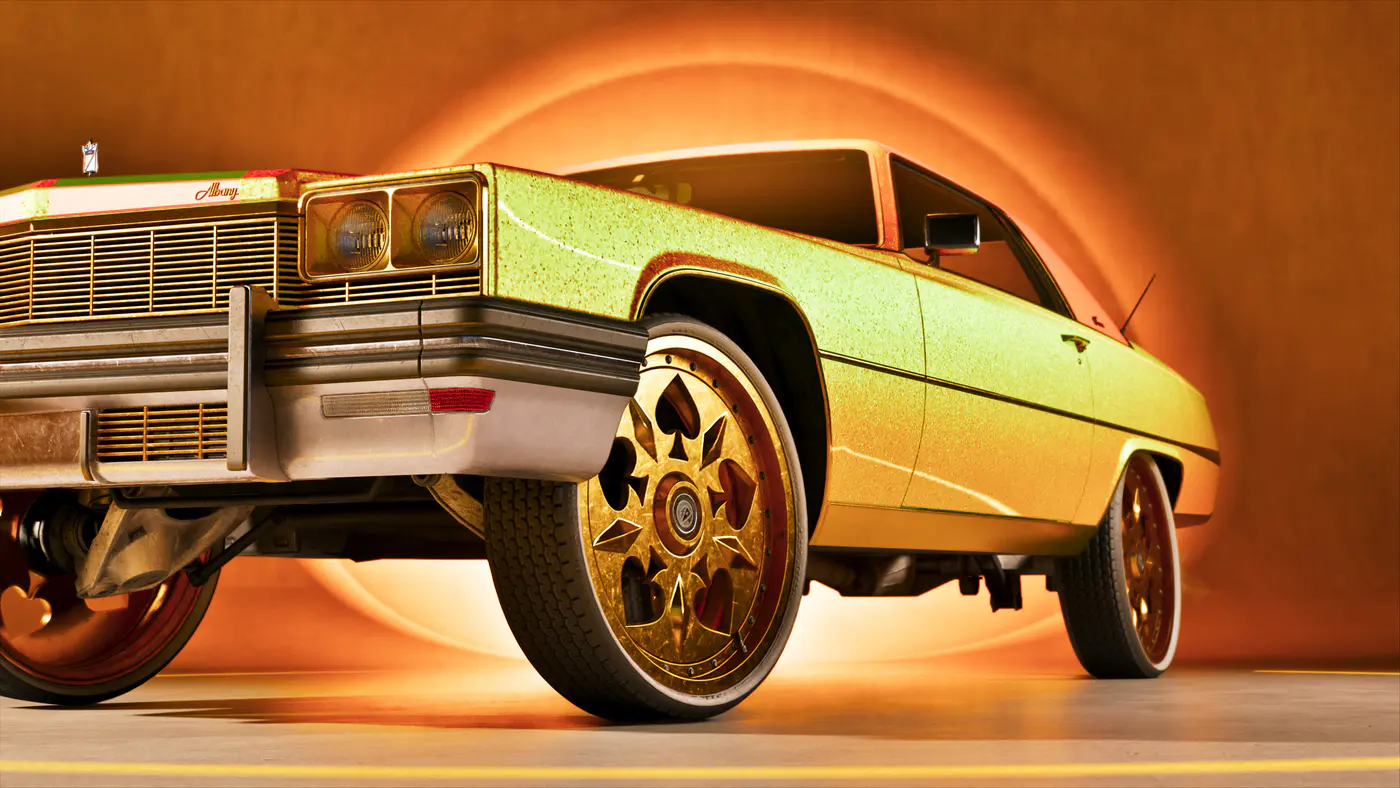
Customize a car at a mod shop
Find Joey in Key Lento and use the respray, repair and upgrade menus.
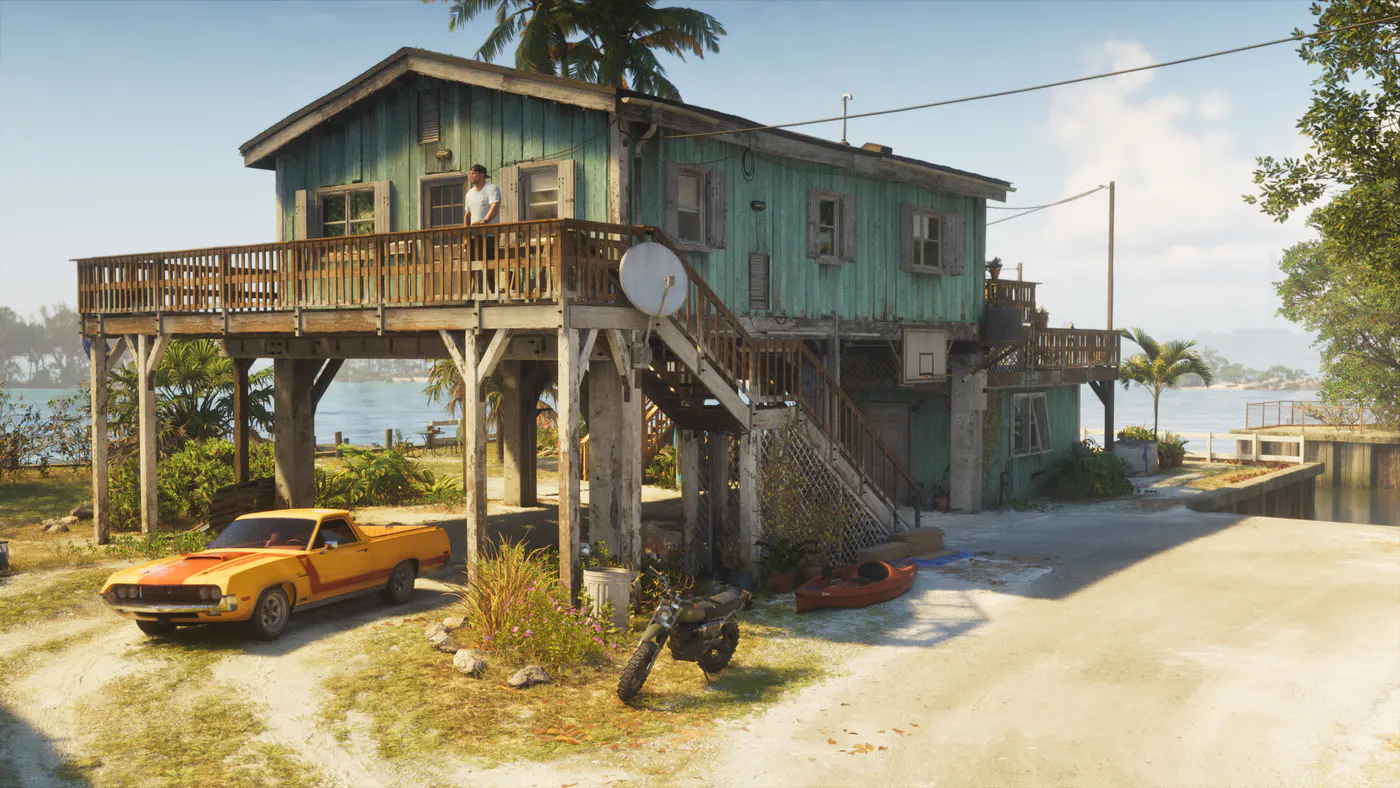
Refuel a car or find an electric charger
Read the fuel gauge and locate nearby pumps in the in-game Index.
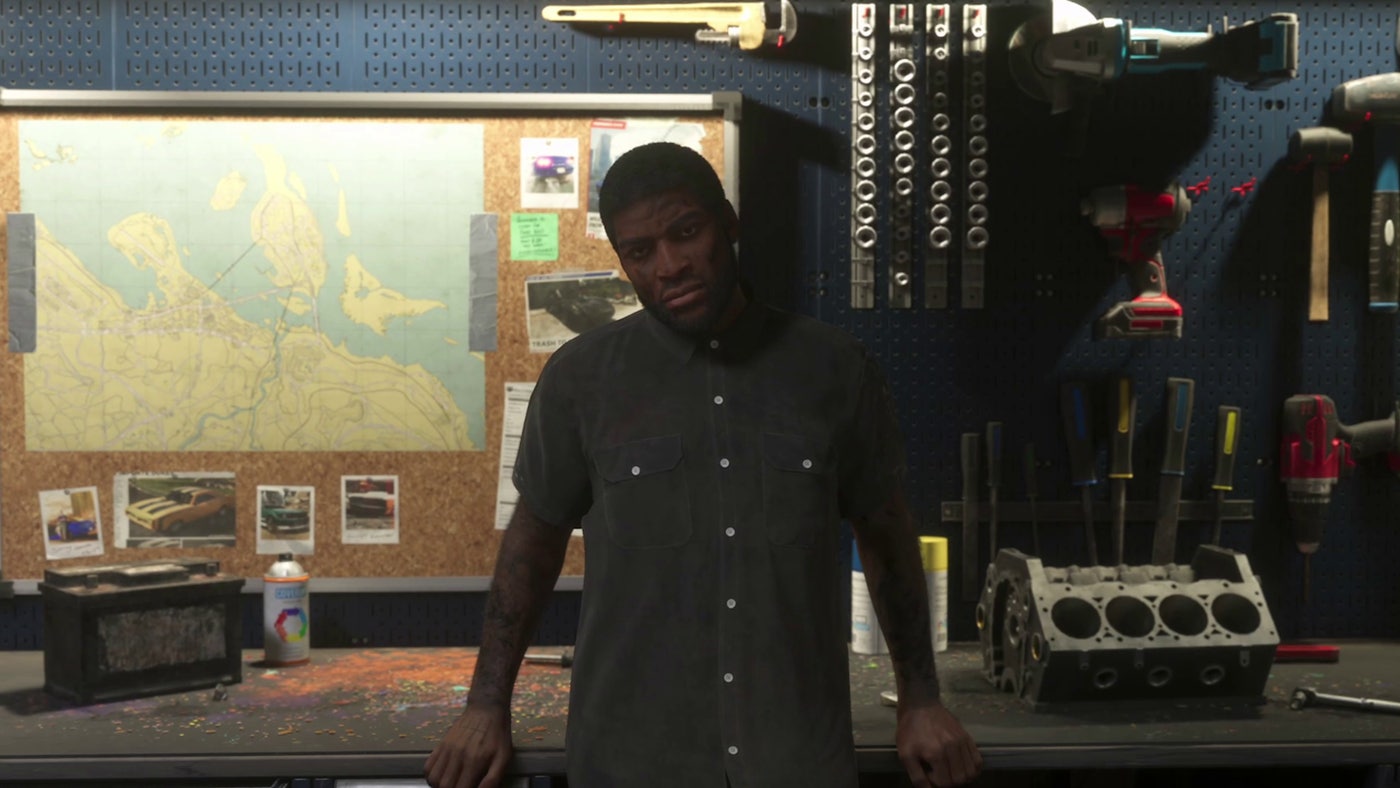
Sell stolen cars
Scan for trackers and choose between Moses, Pay ’n’ Spray and Randy.
Register a personal car
Unlock registration with Moses, check trackers and make room for a new car.
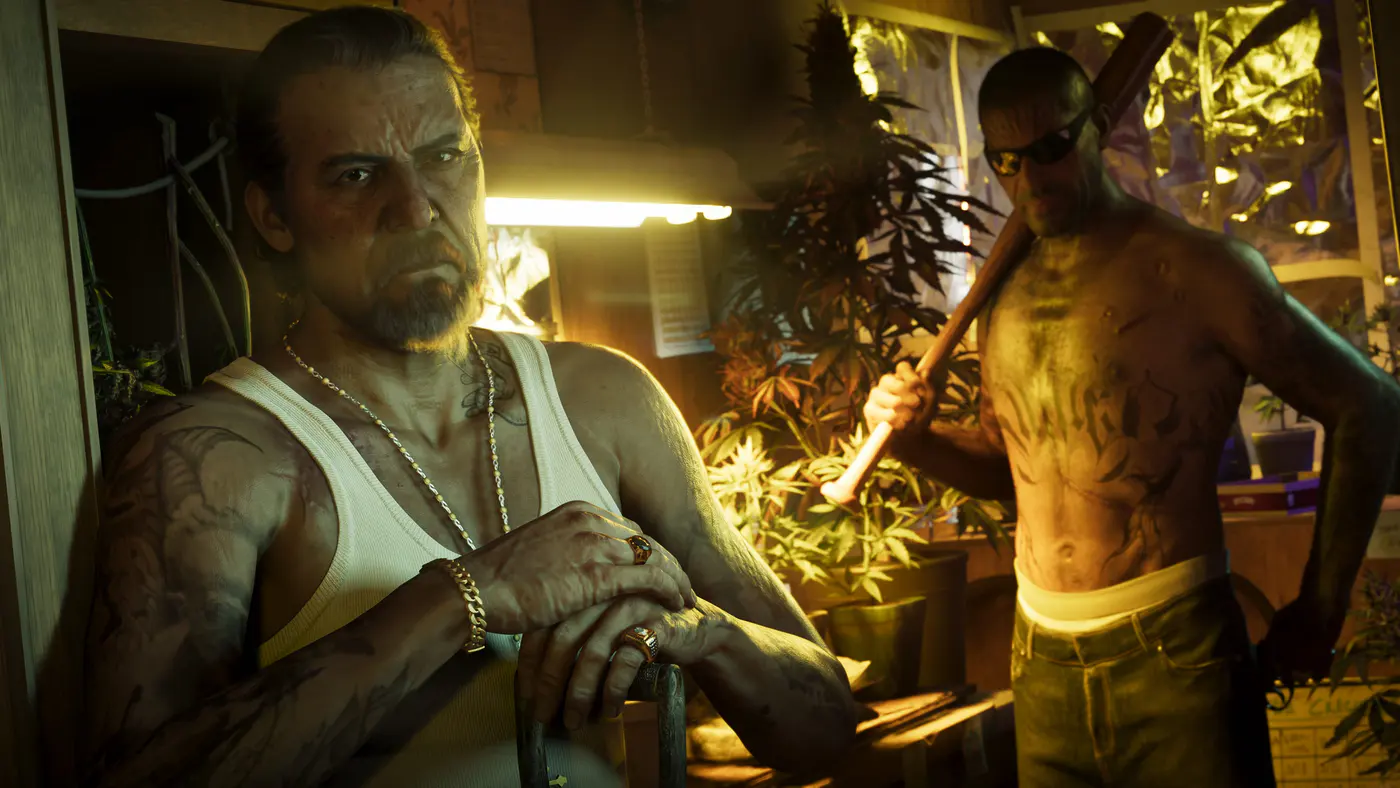
Recover an impounded car
Find Lucia’s car in Port Gellhorn and learn when to use Scooter Bros.
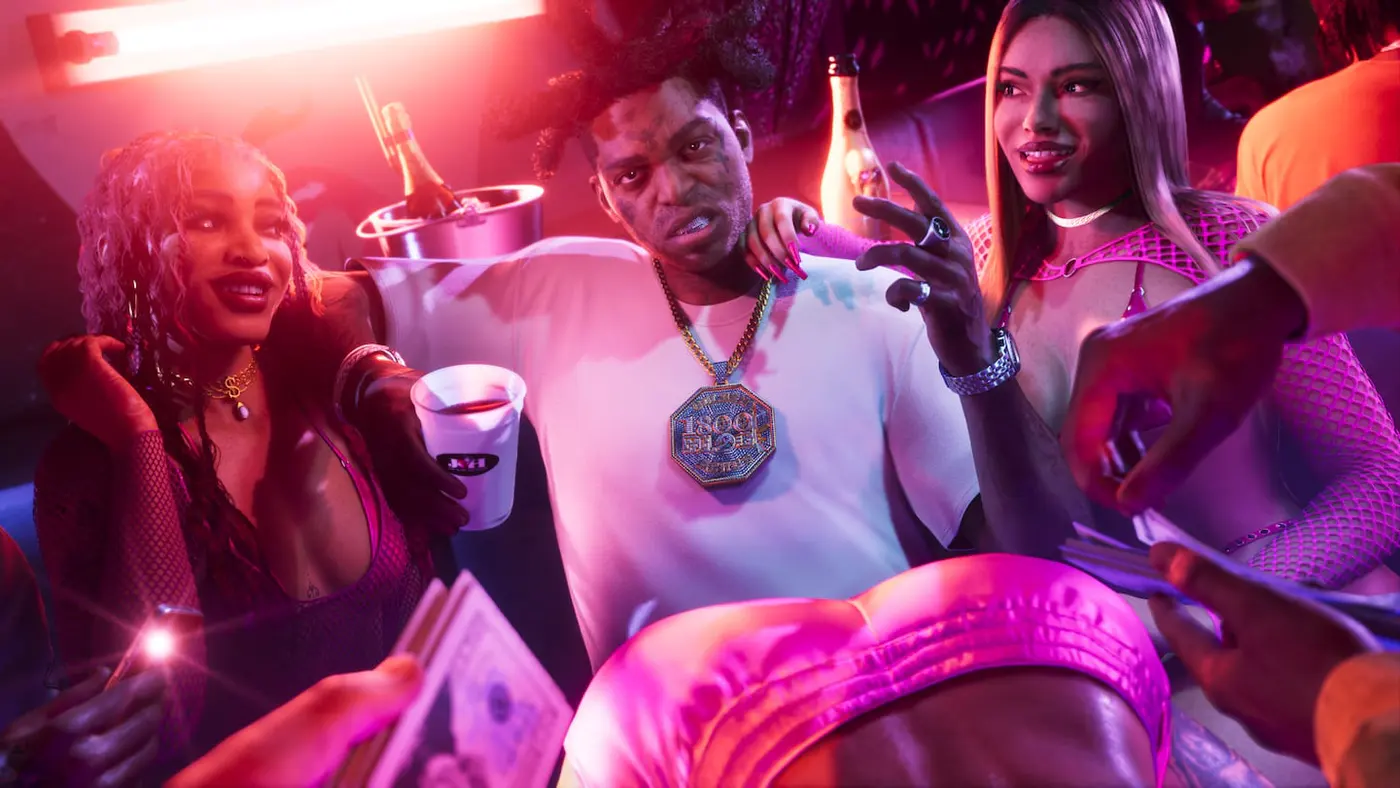
Where to Find Supercars in GTA 6 Story Mode
Find the Vitello and Big Cat Furia on Starfish Island and Randy’s Zorrusso in Ocean Beach. Check the tracker and learn how to register each car.
Explore Leonida
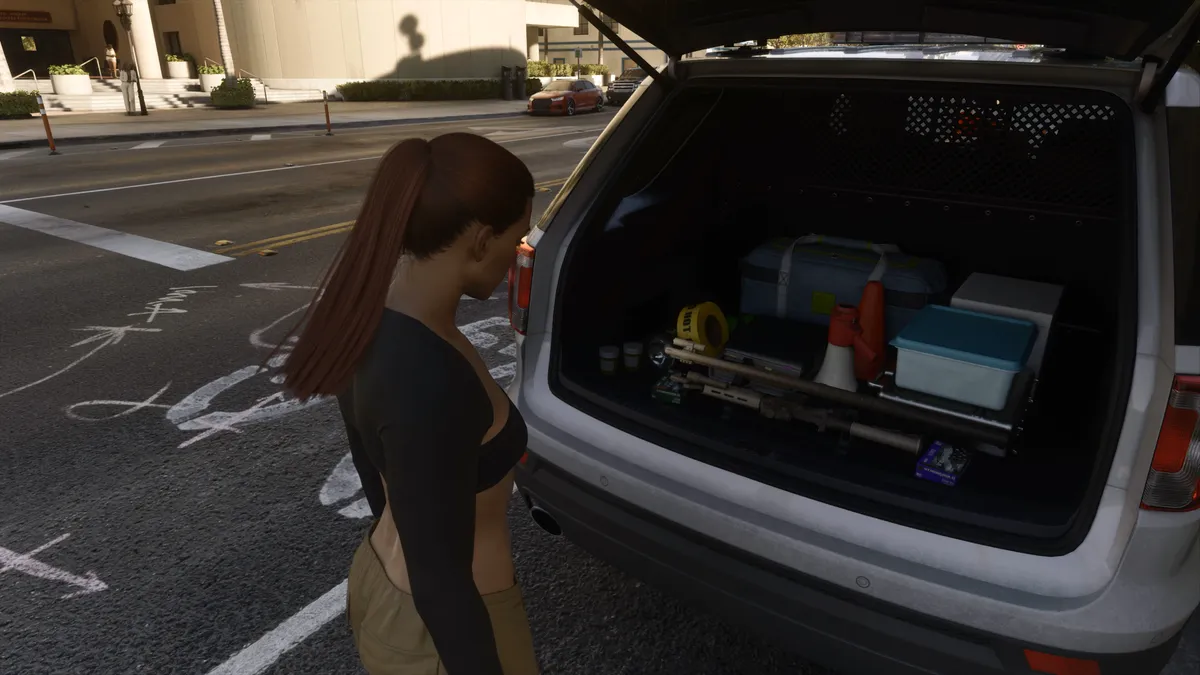
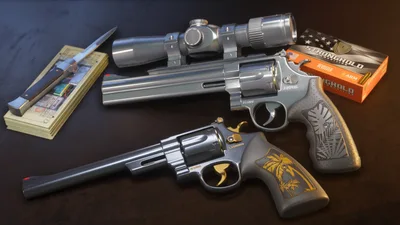
Find free weapons and body armor
Locate the Hamlet impound and pick up two Chapter 2 weapons without paying.
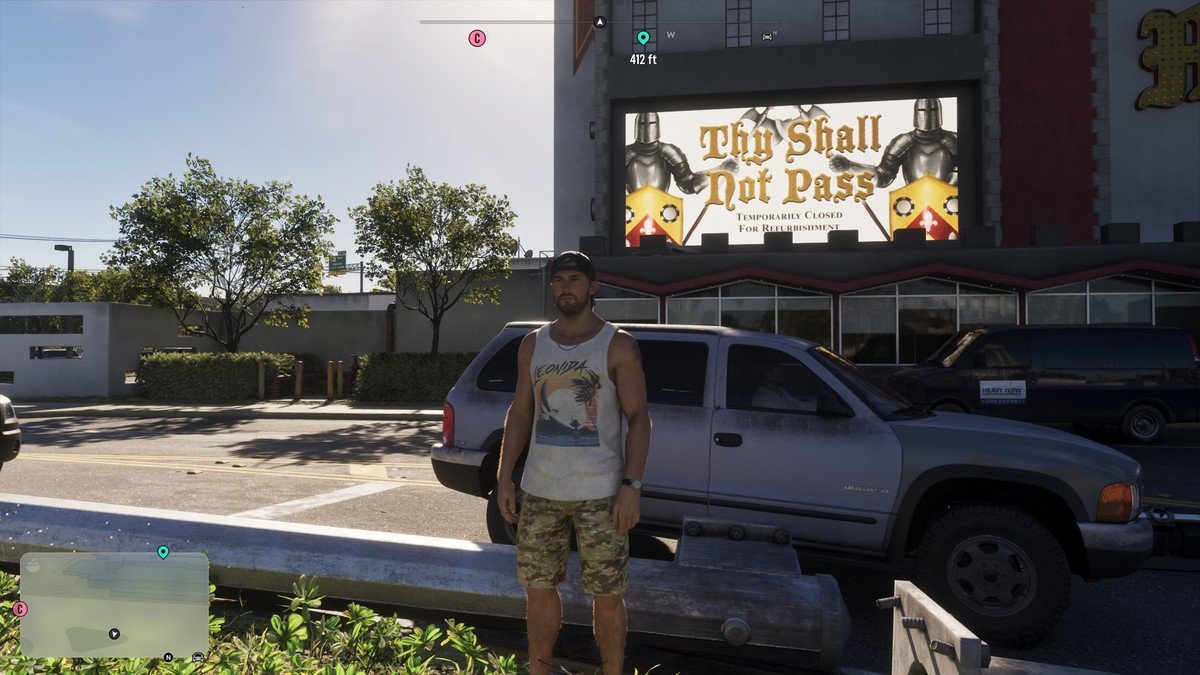
Find Merlin’s Palace and the Vice City Casino
Use the two map screenshots and check what is open in Story Mode.
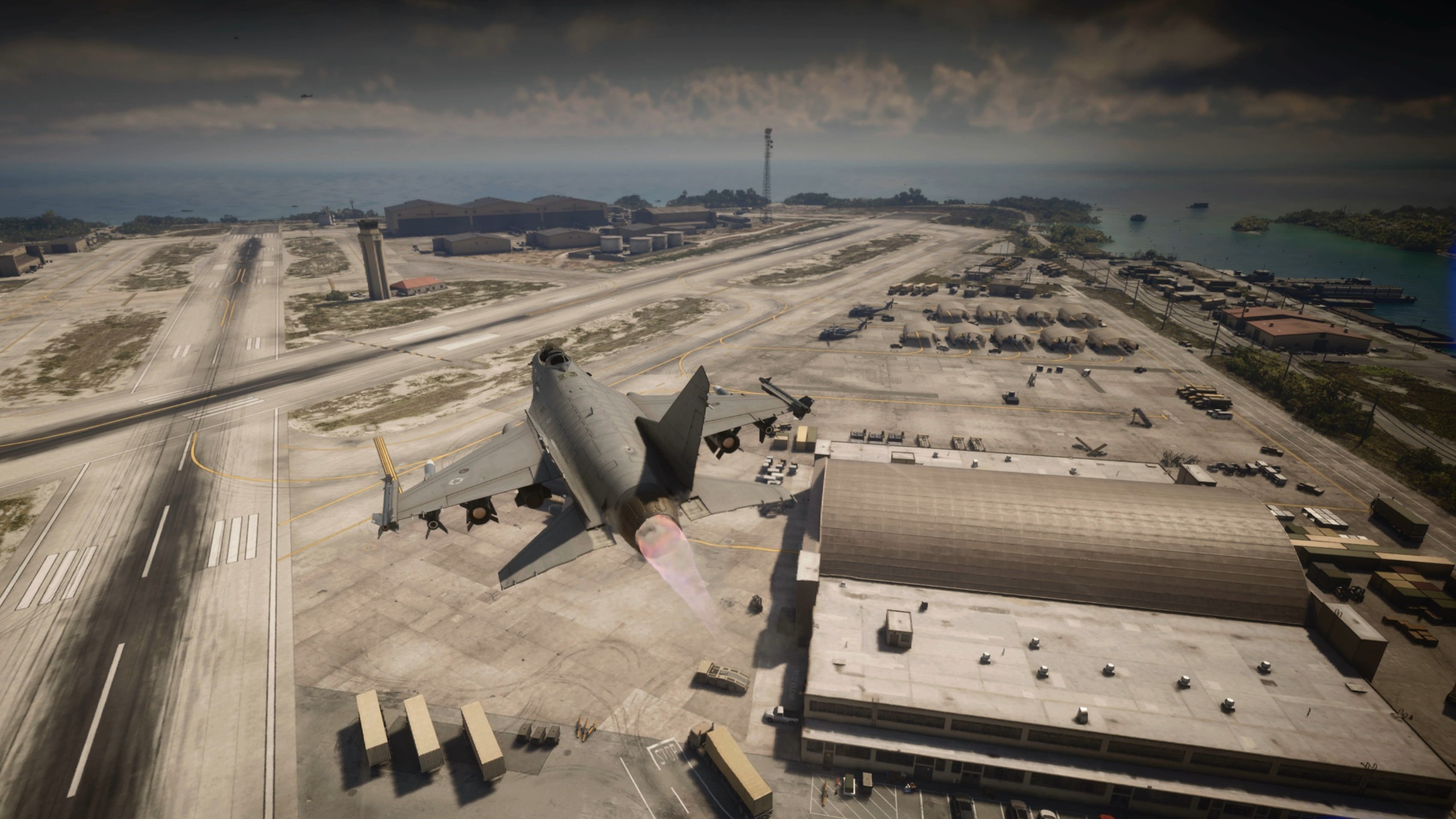
Find and enter the Mile Zero military base
Pin the southeast stunt jump and find the tank and fighter jets.
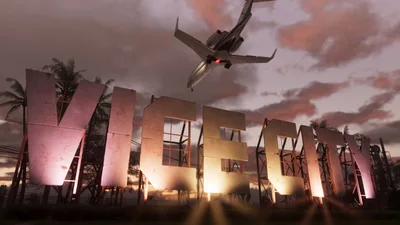
Find Vice City airport and the early airstrips
Choose where to find a jet, a seaplane or a crop duster.
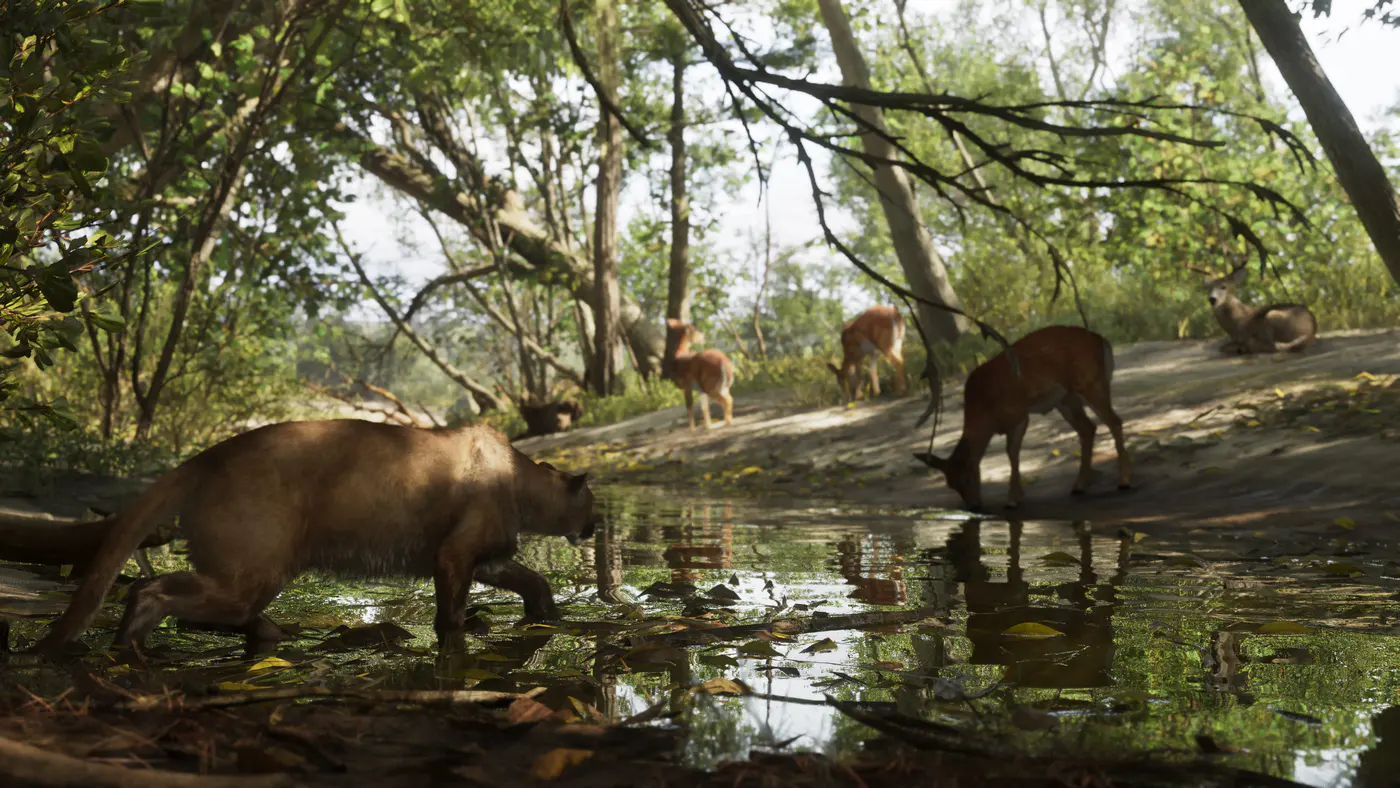
Get and equip a parachute
Find the pickup in Key Lento and use the right deploy button for your console.
Fast travel with Paradise Taxi or RydeMe
Book a ride, set a waypoint and check the cost to skip the journey.
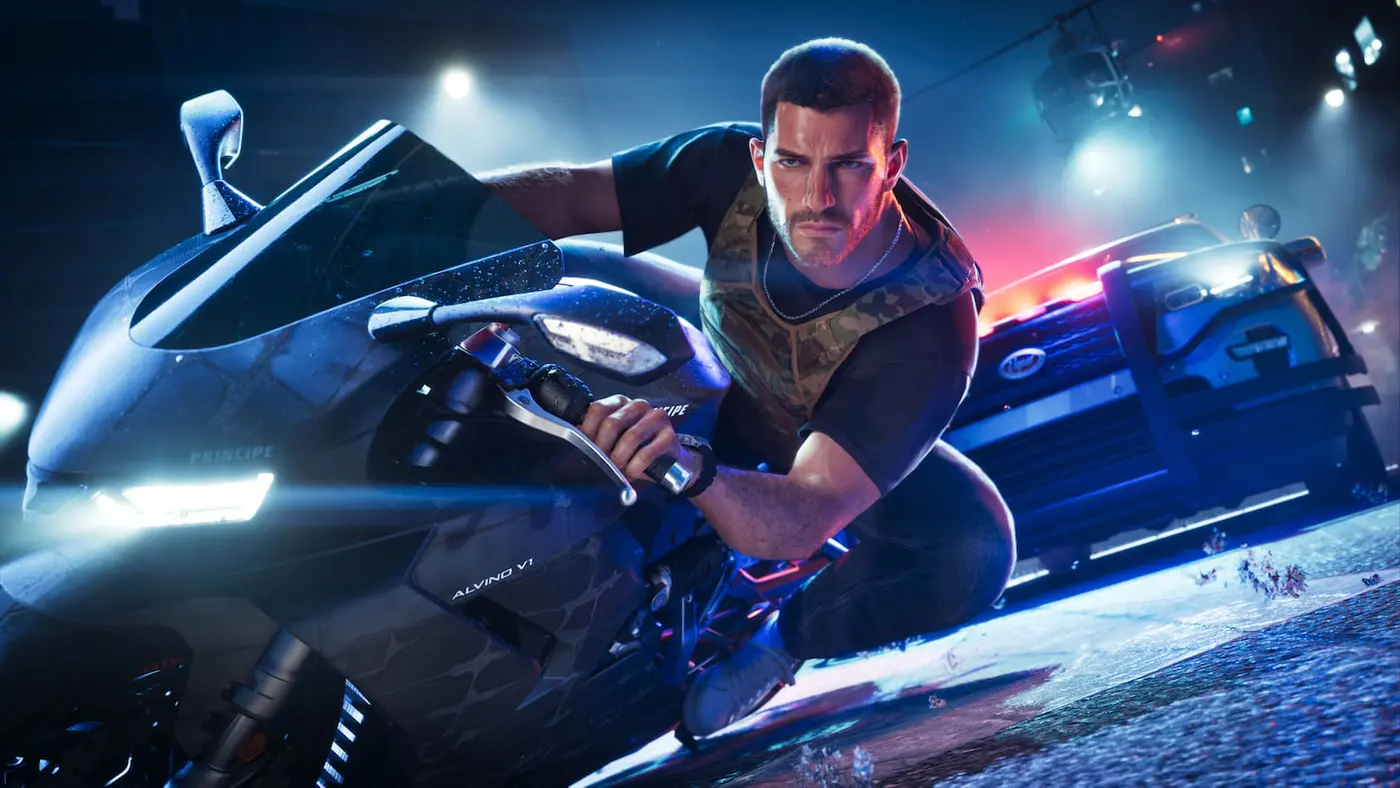
Check weight, muscle and workouts
Use the Fitness app to track the effects of meals and exercise.
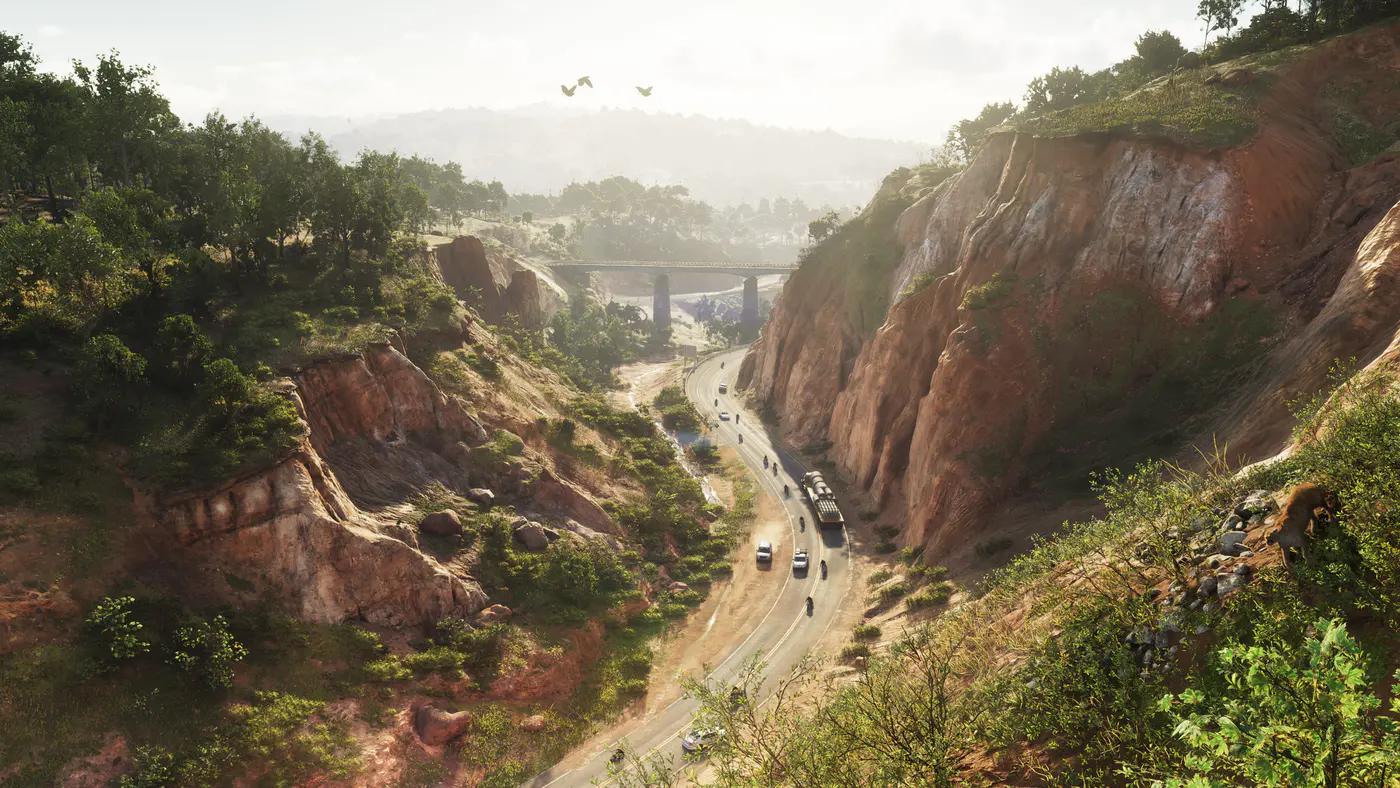
Take and find Photo Studio pictures
Use the photo mode shortcut on PS5 and Xbox and find your saved captures.
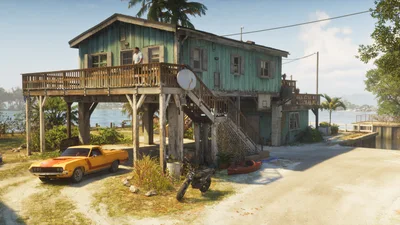
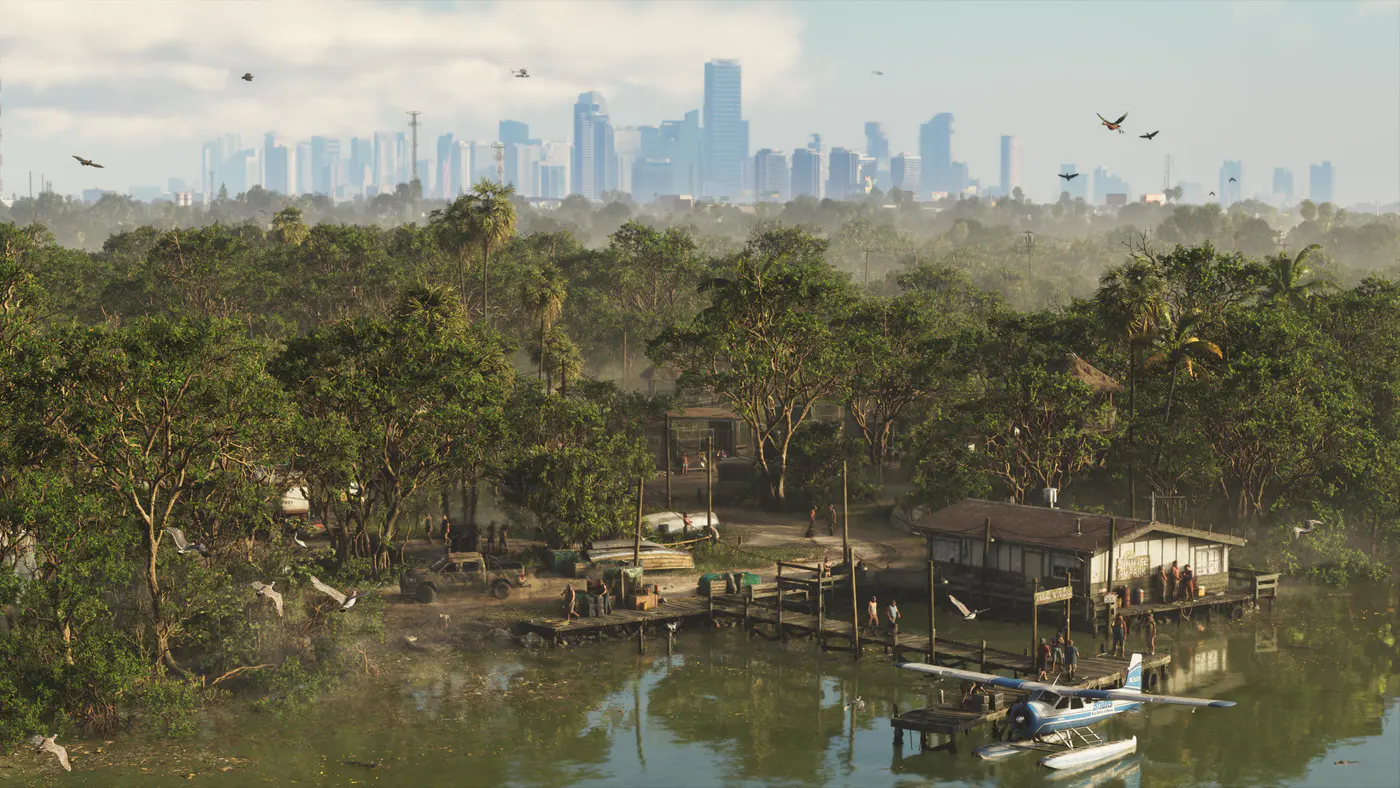
Find a starter plane
Follow the route from Jason’s house to a nearby Dodo seaplane.
Find the Bigfoot encounter
See where to look and when to return to trigger the encounter.
How to Fish in GTA 6 on PS5 and Xbox
Fish from the Key Lento dock as soon as Jason can free-roam. Learn the PS5 and Xbox controls, which lure to use and how to stop fish shaking loose.
GTA 6 Ammu-Nation Locations and Weapon Lockers
Find all 24 GTA 6 Ammu-Nation gun stores by county and stock type, from Chuck’s in Key Lento to Expanded stores in Vice City. Learn to recover owned guns.