Fuel gauge
What the green, yellow and red fuel icons mean
Press Down on the D-pad while driving to show the HUD. Look for the pump symbol by the minimap. The nearby engine condition indicator tells you about a different problem, so check the pump icon before deciding whether to refuel or repair.
- Green means you have fuel for normal driving. Check it again before a long detour.
- Yellow means the fuel is running low. Find a pump while you still have room to choose a route.
- Red means the tank is nearly empty and the vehicle can stop soon.
Find a pump
Locate the closest gas station in the map Index
On the map, open the Index and switch to Vehicles. Highlight Gas Stations and press Right on the D-pad. The list orders stations you have discovered by distance from your position. Select a result and use the marked station to plan your route.
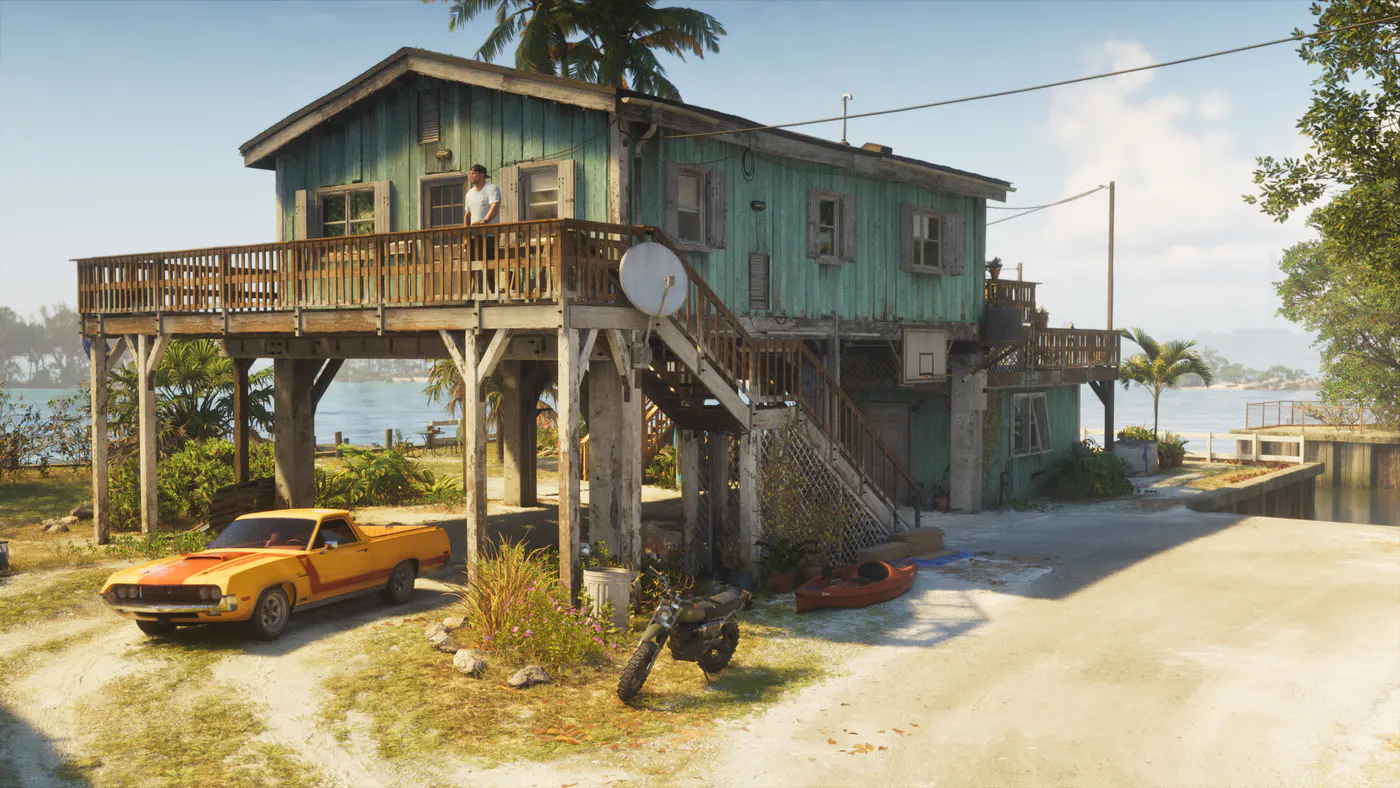
For an early stop, look north of Jason’s house in Key Lento. Shacknews documents a station there with a pump symbol on the map. If the Index is short because you have only explored the opening area, start from that known location while you are still in the Keys.
At the station
How to refill at a pump on PS5 or Xbox
Pull up alongside a pump and wait for the Services prompt. Use the button shown on screen to open it. If you only stopped at the edge of the forecourt, move alongside a pump and check the prompt again.
- Select Refuel and read the displayed in-game price before confirming.
- Wait for Jason or Lucia to pick up the nozzle. On PS5, hold R2 when prompted. On Xbox, hold RT. Use the on-screen input if the controller layout differs.
- Wait for the character to put the nozzle back and return to the vehicle. Check the pump icon again before leaving if you were close to empty.
Electric cars
Where to find an electric vehicle charger
Check which type of car you are driving before choosing a stop. Electric cars use Electric Chargers. Find them under Vehicles in the same map Index and look through the discovered charging locations.
Pull up to the charger and use the service prompt there. A bookmarked gas station is useful for a petrol vehicle. For an EV trip, pick a charger along the route before setting off.
Repairs and trip planning
Use the Repair option when the engine indicator is low
Some gas station pumps also offer Repair in the Services menu. Choose that when the car is damaged. PC Gamer’s playthrough found that the repair price depends on the damage, so check the amount before confirming. If both gauges are low, handle each service in turn.
Check both indicators when you change vehicles. PC Gamer observed that a car found on the street can already be low on fuel. If you plan to cross Leonida in it, a quick HUD check can save a detour. If the gauge is red, use the closest discovered station instead of continuing toward a more distant favorite.